imgcat

imgcat as Python API and CLI

MIT 7 个版本 Python >=3.6
Jongwook Choi <wookayin@gmail.com>
安装
pip install imgcat
poetry add imgcat
pipenv install imgcat
conda install imgcat
描述

imgcat

pypi license

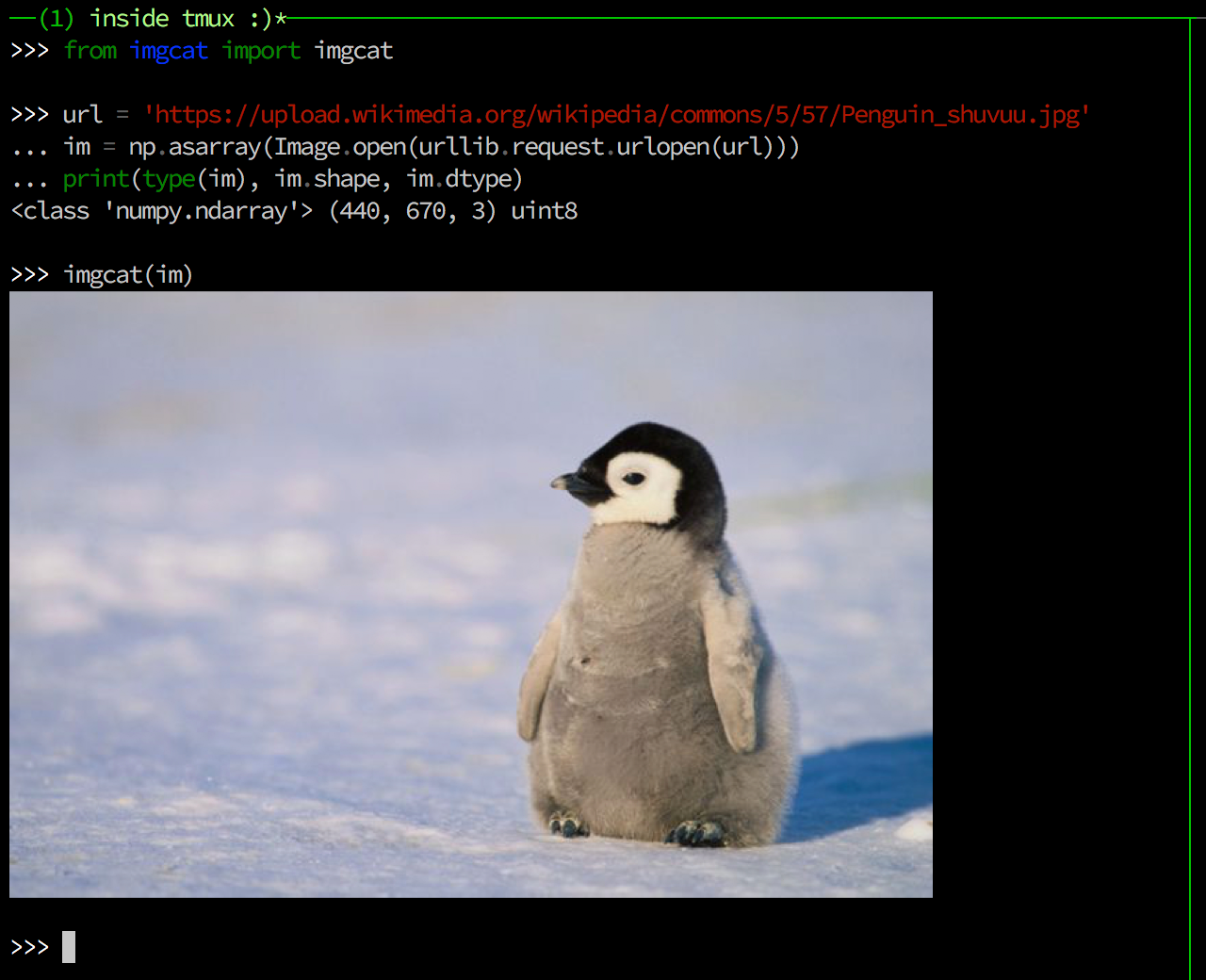
The imgcat CLI, written in Python (and Python API, too).

It works with iTerm2 and WezTerm, and even inside tmux (for tmux, see Notes below).

Installation and Usage

pip install imgcat

Command-line interface (similar to iTerm2's imgcat):

$ imgcat local_image.png
$ imgcat a.png b.png c.png
$ cat from_stdin.gif | imgcat

# height is 10 lines
$ imgcat a.png --height 10

Python API:

>>> from imgcat import imgcat

# from the content of image (e.g. buffer in python3, str in python2)
>>> imgcat(open("./local_image.png"))

# or numpy arrays!
>>> im = skimage.data.chelsea()   # [300, 451, 3] ndarray, dtype=uint8
>>> imgcat(im, height=7)

# matplotlib, PIL.Image, etc.
>>> imgcat(Image.fromarray(im))

>>> import matplotlib.pyplot as plt
>>> fig, ax = plt.subplots(); ax.plot([1, 2, 3, 4, 5])
>>> imgcat(fig)

Matplotlib Backend: module://imgcat

MPLBACKEND="module://imgcat" python draw_matplotlib.py
>>> import matplotlib
>>> matplotlib.use("module://imgcat")

>>> import matplotlib.pyplot as plt
>>> fig, ax = plt.subplots()
>>> ax.text(0.5, 0.5, "Hello World!");
>>> fig.show()
# an image shall be displayed on your terminal!

IPython magic (works both in terminal and notebook)

%load_ext imgcat
%imgcat skimage.data.chelsea()

Notes

License

MIT License